Playground
The Playground lets you chat with a model in the browser. Use it to try a model before you connect a tool, or to check that your key works.
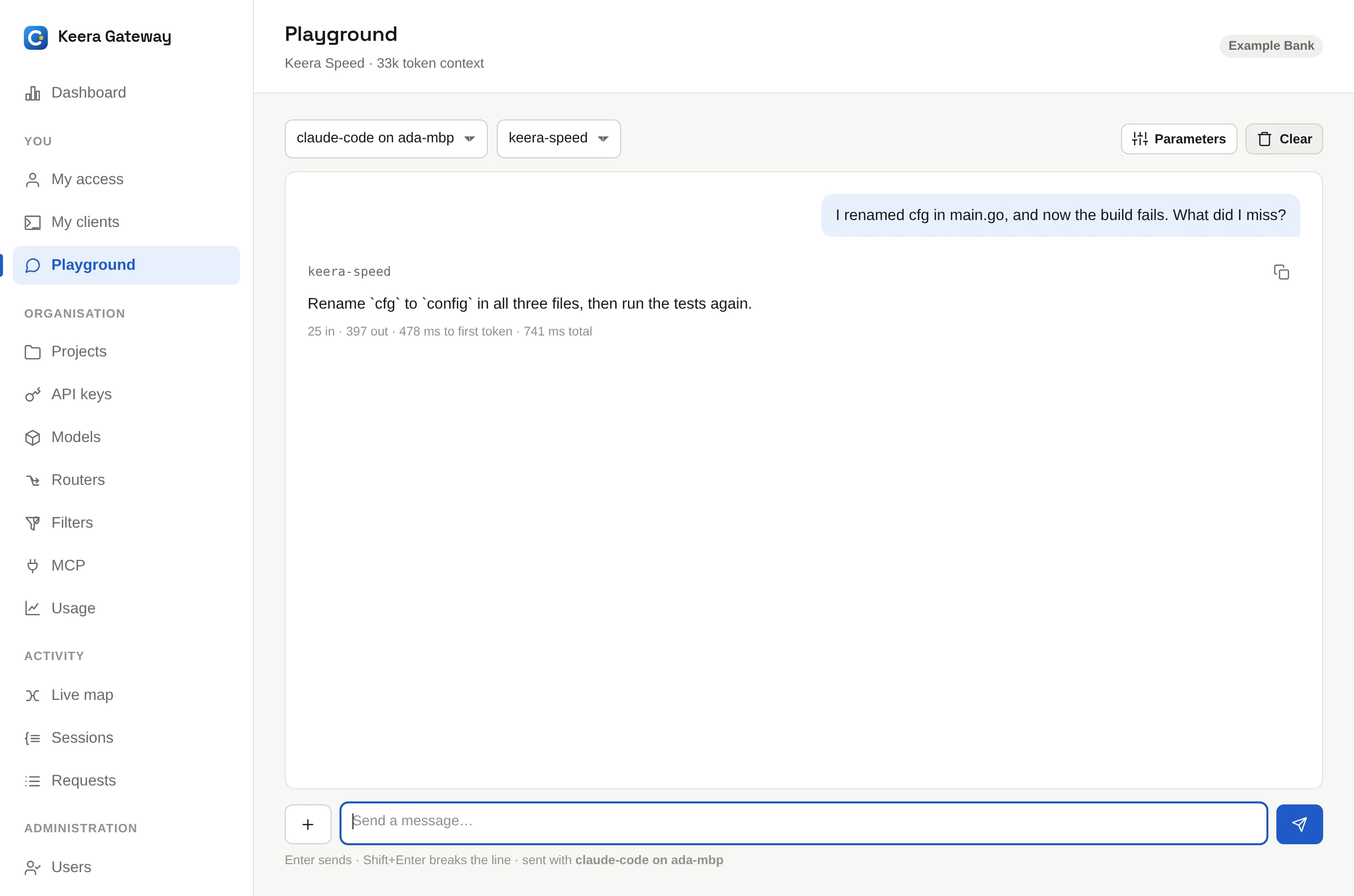
- Open Playground in the sidebar.
- Pick one of your active keys and a model.
- Type a message.
Every message is sent with the key you picked, like any other request. So it counts against that key's budget and rate limits, passes its filters and shows up in its usage. Nothing gets around the guardrails here.
Parameters sets a system prompt, the temperature and the maximum length of the answer. You can attach an image to a message, if the model reads images. Clear starts a new conversation.
For everyday chats you can come back to, use Keera Chat.