Quickstart
Use Keera on the public instance at https://gateway.keera.ch and send a first request in five minutes.
1. Sign in
Open https://gateway.keera.ch and sign in.
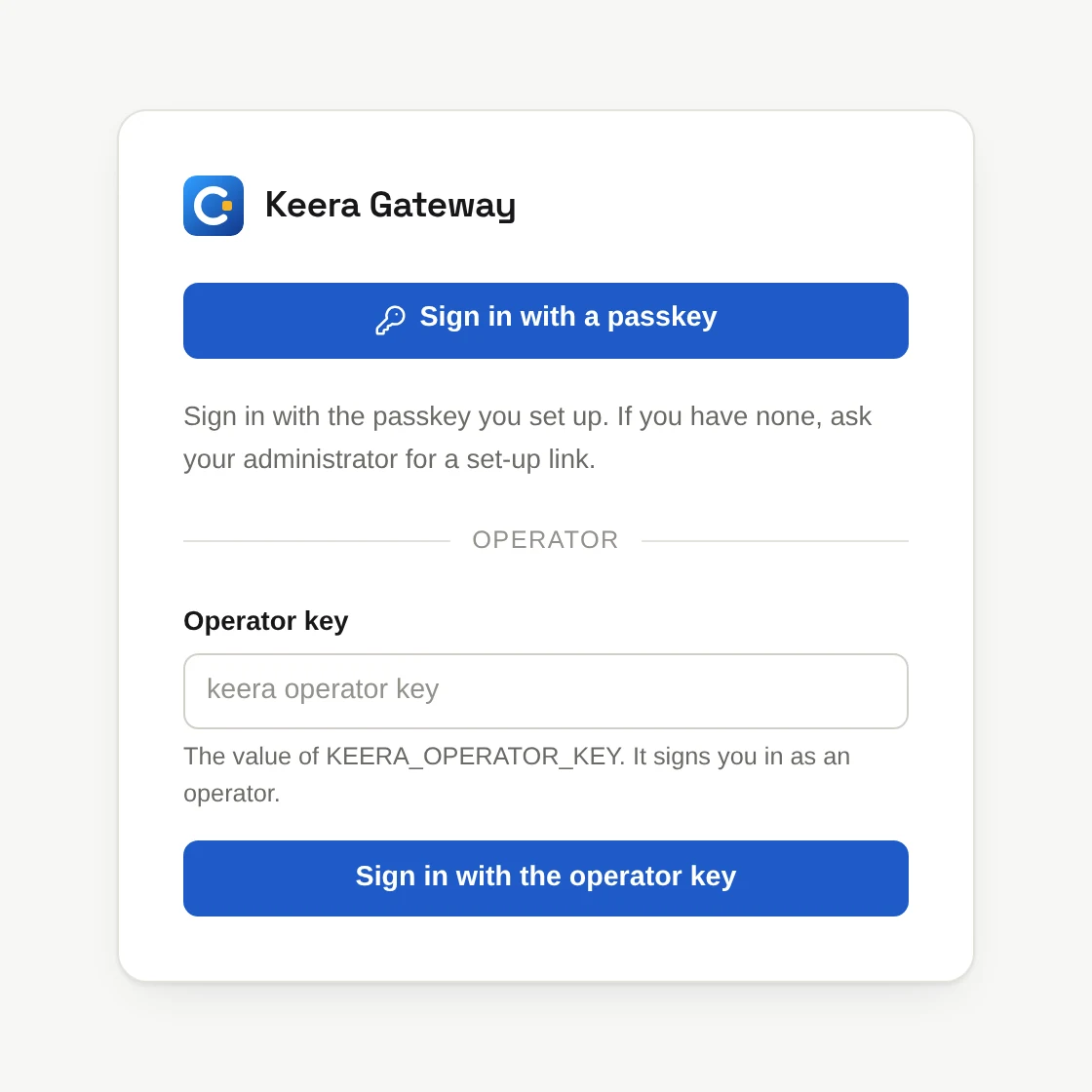
The first time, choose one:
- Create an organisation. Give it a name. You become its administrator.
- Join an invitation. If your company already uses Keera and added you, join its organisation. Then activate the key waiting for you, and skip to step 5.
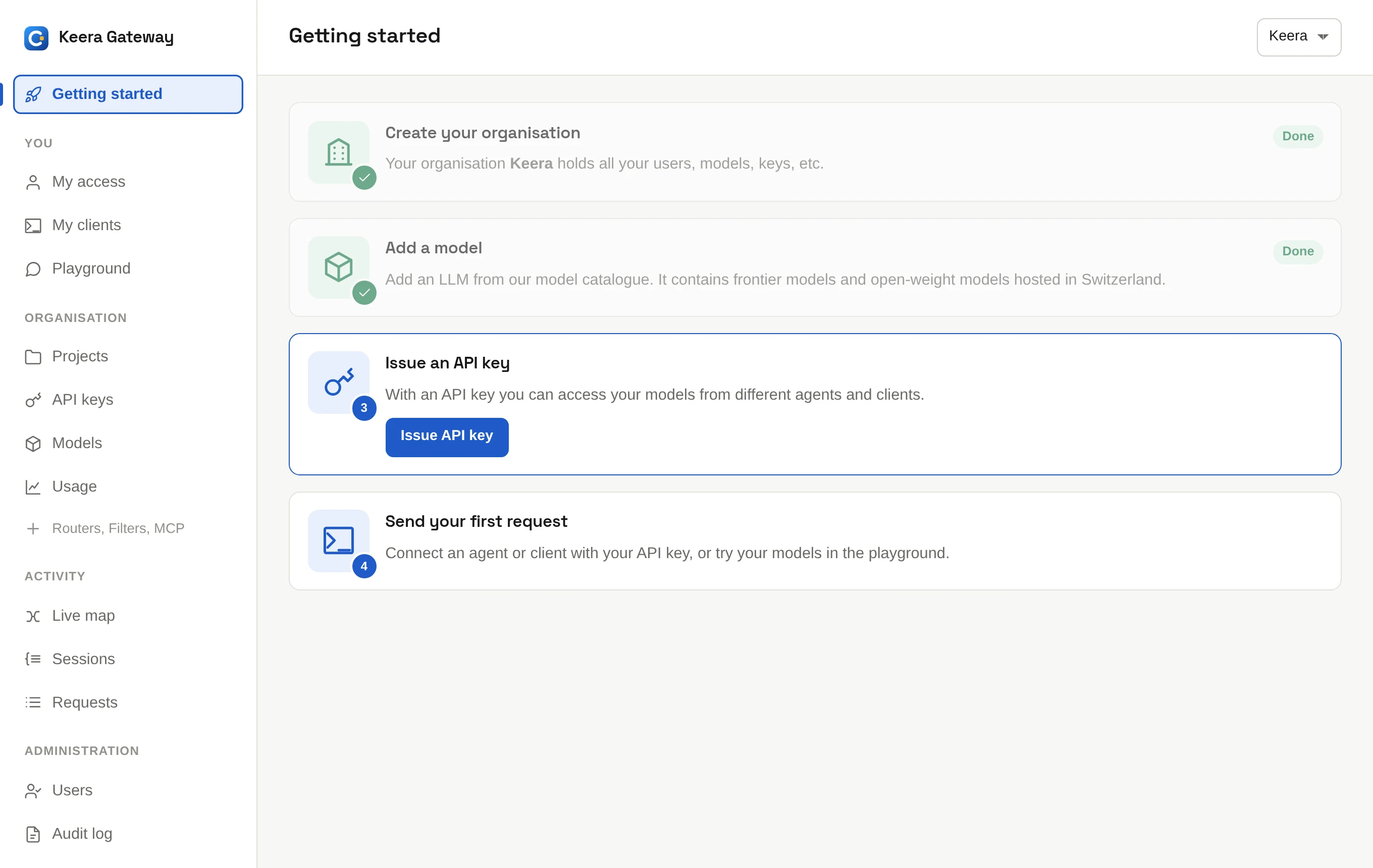
Getting started shows what is left to do.
2. Add a model
A new organisation starts with a set of models, such as keera-speed. To add
more, click Open model catalogue. See
Models.
3. Issue a key
Click Issue API key. Give the key a name, such as my laptop, and click
Issue key. Copy the secret now: it is shown only once.
4. Add credit
A new organisation starts limited until its first payment. Open Billing and click Add credit. You pay by card, TWINT or PostFinance Pay. See Billing and the prices.
5. Send a request
Replace keera_sk_… with your key:
curl https://gateway.keera.ch/api/v1/chat/completions \
  -H "Authorization: Bearer keera_sk_…" \
  -H "Content-Type: application/json" \
  -d '{"model": "keera-speed", "messages": [{"role": "user", "content": "Hello"}]}'
keera-speed is a model alias. My access lists the
ones you may use. Open Requests to see your request in the log.
You can also try a model in the browser, in the Playground.
6. Connect Claude Code
Install keera, then:
keera login --url https://gateway.keera.ch
keera connect claude-code
Run claude in your project. For other tools, see
Connect your tools.
What next
- Key concepts: how organisations, projects, keys and guardrails fit together.
- Manage your organisation: add people, projects and guardrails.